

Amazon Fire Stick has been one of the most preferred digital streaming devices by millions of people seeking entertainment. It supports a large number of video streaming player apps and Shark IPTV app is no exception. Streaming live shows, movies, series, etc is much simpler with the installation of Shark IPTV on Firestick.
WHAT IS Shark IPTV app ?
Shark IPTV app is an IPTV application specially developed for end-users. It is based on the Xtream Codes API and allows users to watch live TV, VOD, TV series, and catch-up.
Users must subscribe to Shark IPTV. Then log in using the username and password provided. The app features a user-friendly interface and supports both built-in and external players.
SHARKIPTV XCIPTV APP
Downloader code = 3738183
URL: https://aftv.news/3738183

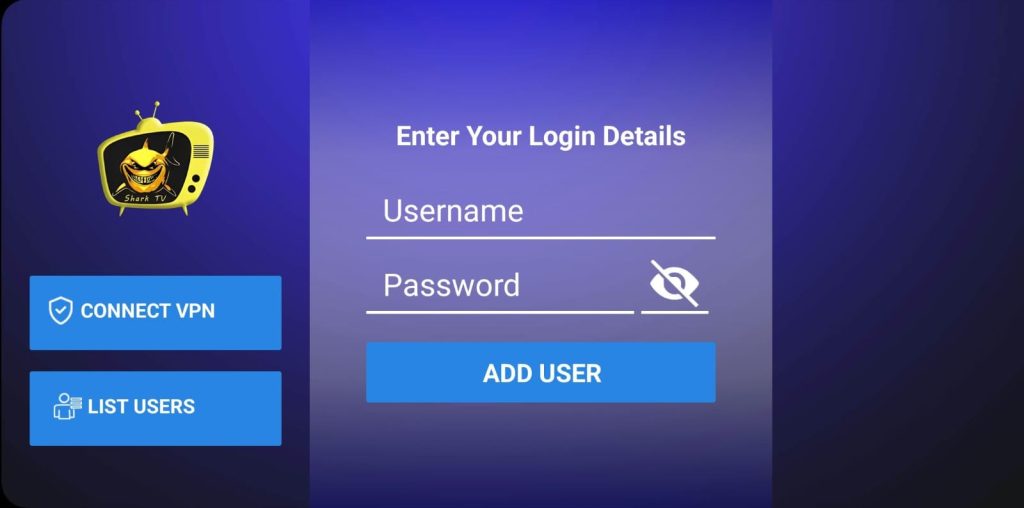
SHARKTV V1 Downloader code = 3614137
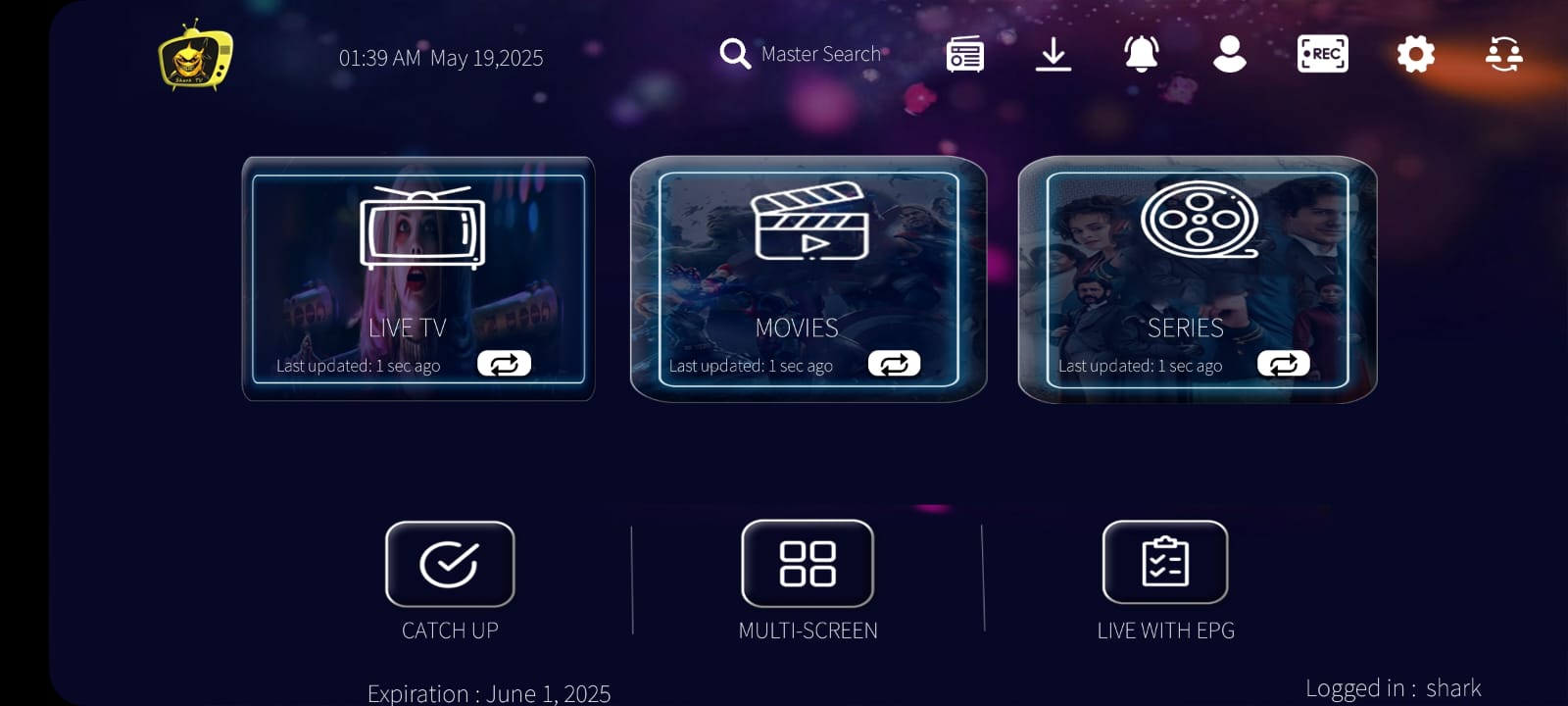
If you have issues, delete the app and install the new version
https://bit.ly/SHARKTVNEW
http://aftv.news/7036128
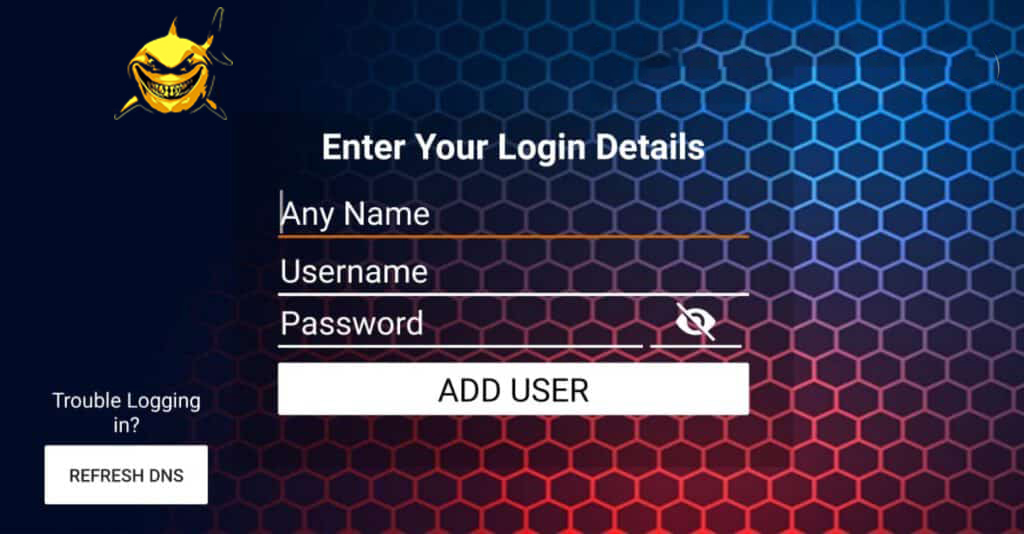
SHARKTV V2 Downloader code = 123639
SHARKTivimate (NEW) downloader code = 6323795
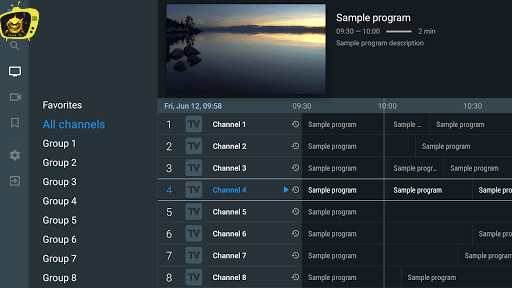
FEATURES OF Shark IPTV SMARTERS ON FIRESTICK
- Supports all standard video codecs
- Stream Live TV, Movies, Series, and VOD in 4K quality
- EPG support with program schedules
- Add favorite channels and content
- Built-in video player support
- Displays movie info, description, and ratings
HOW TO INSTALL Shark IPTV APP ON FIRESTICK
Shark IPTV app isn’t available officially on Firestick. You need to sideload it using apps like Downloader.
Pre-Requisite:
- Go to Settings
- Select My Fire TV / Device
- Open Developer Options
- Enable ADB Debugging
- Enable Apps from Unknown Sources
STEPS TO INSTALL USING DOWNLOADER
Step 1: Open Search on Firestick
Step 2: Type Downloader
Step 3: Install Downloader
Step 4: Open and Allow permissions
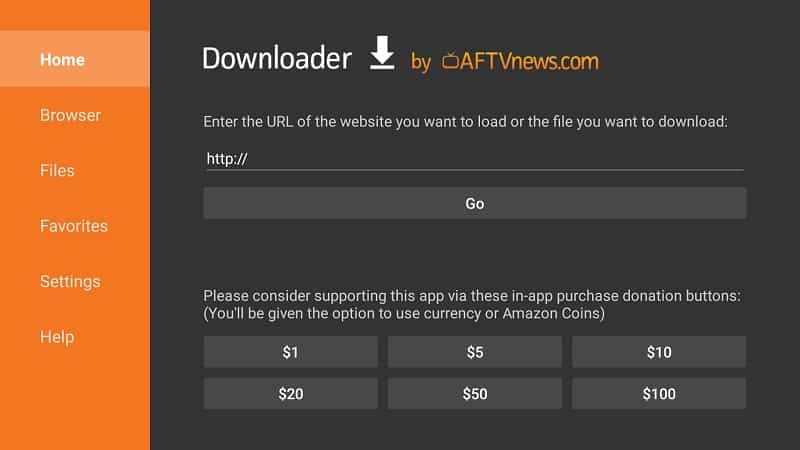
Step 5: Enable JavaScript if prompted
Step 6: Enter the URL or downloader code
SHARKTV TIVIMATE URL: http://aftv.news/6323795
Downloader Code: 6323795
After installation, open SHARKTV and enter your credentials
Shark IPTV V1 URL: https://bit.ly/33REEE